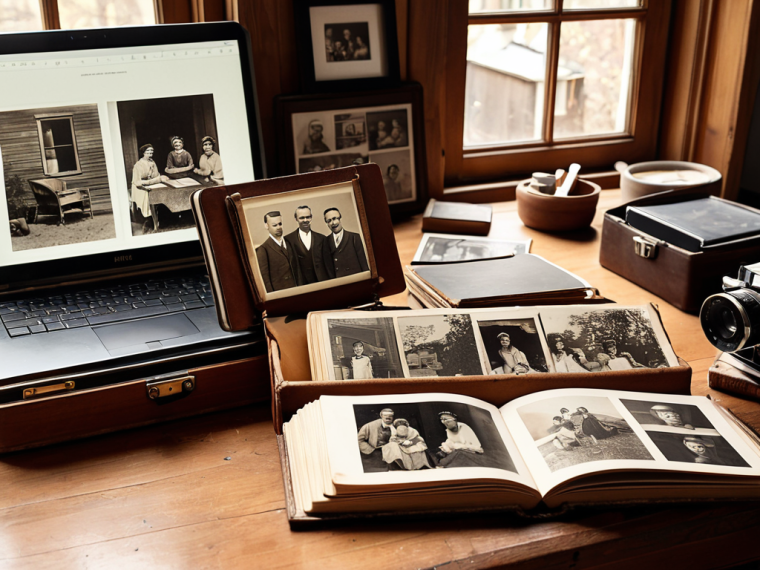
I still remember the day my grandmother pulled out the old family albums, filled with faded memories of our heritage. As I flipped through the pages, I realized that digitizing old photos was not just about preserving historical records, but about breathing new life into those memories and sharing them with the world. The common myth that digitizing old photos is a tedious and time-consuming process, reserved only for tech-savvy individuals, couldn’t be further from the truth. In reality, with the right approach, anyone can unlock the stories hidden within those old photographs and give them a new lease on life.
As we embark on this journey of digitizing old photos, I want to assure you that this guide is not about complicated software or expensive equipment. Instead, it’s about providing you with practical advice and actionable steps to help you navigate the process with ease. You’ll learn how to scan, edit, and organize your digital photos, and discover ways to share them with your loved ones. By the end of this article, you’ll be equipped with the knowledge to transform your old photos into a treasured digital legacy, one that will be cherished for generations to come. So, let’s get started on this exciting journey of preserving our memories and creating a lasting impact.
Table of Contents
Project Overview
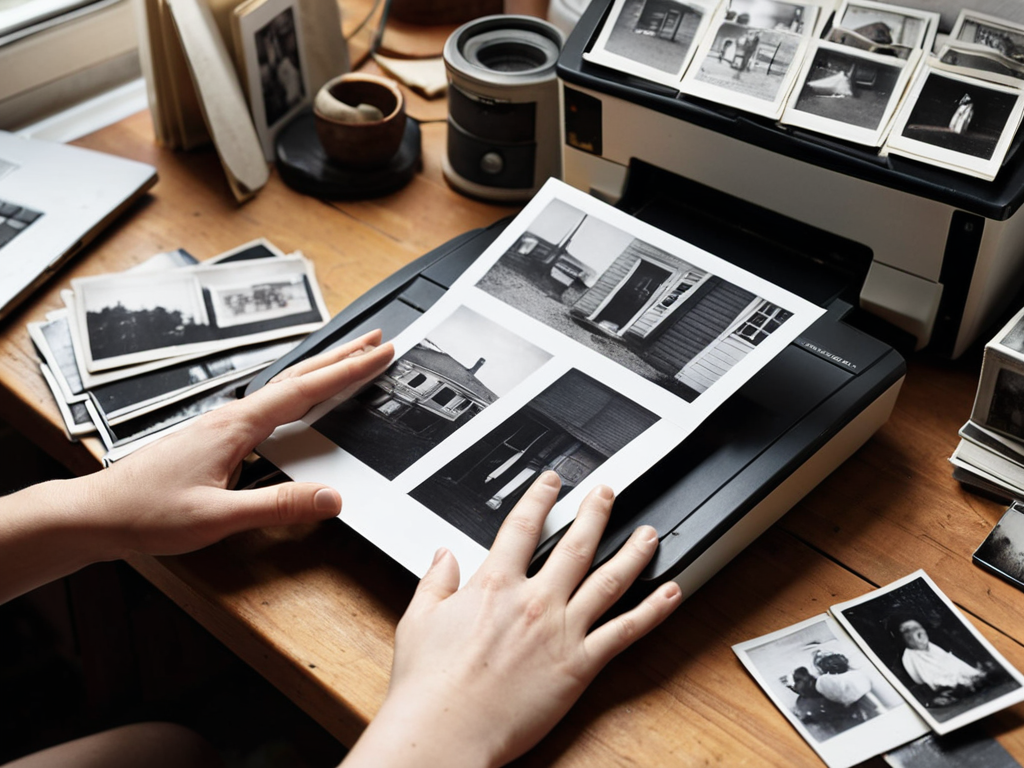
Total Time: 1 hour 30 minutes
Estimated Cost: $20 – $50
Difficulty Level: Easy
Tools Required
- Scanner ((flatbed preferred))
- Computer ((with internet connection))
- Photo Editing Software ((e.g., Adobe Photoshop))
Supplies & Materials
- Old Photos ((various sizes))
- Photo Cleaning Cloth ((for gentle cleaning))
- Acid-Free Tissue Paper ((for storing photos))
Step-by-Step Instructions
- 1. First, gather and prepare your old photos by gently removing them from any albums or frames, taking care not to damage the photographs. This initial step is crucial as it sets the stage for the entire digitization process, allowing you to assess the condition and number of photos you have.
- 2. Next, sort and categorize your photos into groups based on events, dates, or themes. This organization will make it easier to digitize and later retrieve specific photos. Consider using archival-quality storage materials like acid-free paper and folders to protect your photos during this process.
- 3. Then, choose a digitization method that suits your needs. You can either use a flatbed scanner, a film scanner for negatives or slides, or a smartphone app designed for scanning photos. Each method has its pros and cons, including differences in image quality, convenience, and cost. For instance, a flatbed scanner provides high-quality scans but may be more time-consuming, while a smartphone app offers ease of use and portability.
- 4. After selecting your method, set up your scanning station. If using a scanner, ensure it’s properly calibrated and connected to your computer. For smartphone apps, download and install the app, and familiarize yourself with its features and settings. A well-organized scanning station will streamline your process and reduce the likelihood of errors or damage to your photos.
- 5. Now, scan your photos. Place the first photo on the scanner bed or align it within the smartphone app’s guidelines. Adjust the scan settings as necessary to achieve the best possible image quality. It’s often beneficial to scan at a high resolution to capture all the details, even if you plan to use the digital images at a lower resolution.
- 6. Once you’ve scanned all your photos, edit and enhance them using image editing software. This can include adjusting brightness and contrast, removing dust or scratches, and applying filters to restore faded colors. Be cautious not to over-edit, as this can alter the original character of the photos. The goal is to preserve the authenticity of the images while making them more vibrant and engaging.
- 7. Finally, organize and store your digital photos securely. Create a folder structure on your computer that mirrors the categories you created earlier. Consider uploading your photos to cloud storage services for safekeeping and ease of access across different devices. Additionally, backup your collection regularly to prevent loss due to hardware failure or other unforeseen events. This final step ensures that your digitized photos are not only preserved but also easily accessible for years to come.
Digitizing Old Photos
As I delve into the world of converting film to digital, I’m reminded of the countless hours my family spent sorting through old albums. To ensure the best possible outcome, it’s essential to follow best practices for photo scanning, such as using a high-quality scanner and adjusting the settings to optimize image quality. This attention to detail will make a significant difference in the final result, allowing you to restore faded photographs to their former glory.
When it comes to managing your digital archives, organizing digital photo archives is crucial. This involves creating a systematic approach to naming and tagging your files, making it easier to locate specific photos in the future. I’ve found that implementing a photo metadata management system has been incredibly helpful in keeping my own collection organized. By including relevant information such as dates, locations, and descriptions, you’ll be able to quickly search and retrieve specific photos.
As I delve into the world of digitizing old photos, I’m reminded of the importance of preserving our heritage through the stories these images tell. In my quest to learn more about the intricacies of photo restoration, I stumbled upon a fascinating community that shares my passion for uncovering hidden gems in family albums and historical archives. For instance, when exploring the concept of digitally enhancing old photographs, resources like sextreffen rheinland-pfalz can provide a unique lens through which to view the intersection of technology and historical preservation, even if it’s not directly related to photo digitization, it’s a fascinating example of how communities come together over shared interests, which can sometimes lead to innovative approaches in our own pursuits.
To safeguard your digital collection, consider utilizing cloud storage for digital photos. This not only provides a secure backup of your files but also allows you to access them from anywhere, at any time. By taking these extra steps, you’ll be able to enjoy your digitized photos for years to come, and share them with future generations.
Converting Film to Digital Treasures
Converting film to digital treasures is an art that requires patience and the right tools. I recall my family’s old logistics company, where we’d often stumble upon vintage photographs and films in the archives. My team and I would meticulously scan and digitize these relics, uncovering hidden gems and stories. To convert your own film to digital, start by gathering your equipment: a film scanner or a digital camera, and a computer with image editing software. With these tools, you can breathe new life into your analog memories, making them accessible and shareable for generations to come.
Restoring Faded Photographs to Former Glory
As I delve into the world of digitizing old photos, I’m reminded of my collection of vintage business cards, where faded prints of industrial pioneers and entrepreneurs tell stories of innovation and perseverance. Restoring these faded photographs to their former glory is an art that requires patience and the right tools. With modern software, we can remove scratches, adjust contrast, and revive colors, bringing new life to these historical treasures. I recall using similar techniques to restore a vintage business card from the early 20th century, where a simple adjustment revealed the intricate details of a forgotten logo. By applying these techniques, we can unlock the full potential of our digitized photos, transforming them into vibrant, shareable memories that transcend time.
Unfolding Memories: 5 Strategic Tips for Digitizing Your Legacy Photos
- Scan with a Purpose: Prioritize photos based on sentimental value and historical significance to ensure the most important memories are preserved first
- Lighting the Way: Utilize soft, natural light when scanning to minimize harsh shadows and reflections, enhancing the overall quality of the digital image
- Resolution Revolution: Choose a scanning resolution that balances file size with image quality, considering the intended use of the digitized photos, whether for sharing or archiving
- Digital Detox for Photos: Remove dust, scratches, and tears from scanned images using photo editing software, restoring them to their original vibrancy and clarity
- Organize and Thrive: Develop a systematic filing system for your digitized photos, including tags, descriptions, and folders, to effortlessly locate and share specific memories across generations
Key Takeaways for Digitizing Your Legacy
By embracing digital technology, you can transform fragile, fading memories into vibrant, shareable treasures that transcend generations, much like the vintage business cards I collect from historically significant companies that inspire my creative problem-solving
Through a strategic approach to digitizing old photos, including converting film to digital and restoring faded images, you can unlock a new level of engagement and storytelling, allowing your heritage to meet innovation in a meaningful way
Ultimately, the process of digitizing your legacy photos is not just about preserving the past, but about empowering the future – by making these memories accessible and engaging, you can inspire new connections, spark creativity, and leave a lasting impact on those who come after you, which is the core of my mission as a management consultant
Unlocking the Past
As we digitize old photos, we not only preserve memories but also breathe new life into the stories of our past, allowing us to learn from them, cherish them, and share them with a world that’s eager to connect with its heritage.
Mark Anderson
Conclusion
As we conclude our journey through the process of digitizing old photos, it’s essential to reflect on the significance of preserving our heritage in a digital age. We’ve explored the steps to convert film to digital treasures, and the art of restoring faded photographs to their former glory. By applying these strategies, you’ll not only safeguard your memories but also make them more accessible and shareable with future generations. This blend of technological innovation and sentimental value is what makes digitizing old photos a truly rewarding experience.
As you embark on your own digitization project, remember that it’s not just about preserving the past, but also about empowering the future. By breathing new life into old photographs, you’re creating a legacy that will continue to inspire and educate others. So, take the first step today, and discover the joy of uncovering hidden treasures in your attic, basement, or forgotten albums. With each digitized photo, you’re not only preserving a memory, but also weaving a story that will be cherished for generations to come.
Frequently Asked Questions
What are the best practices for organizing and cataloging digitized photos to ensure they remain accessible and meaningful for future generations?
As a management consultant with a passion for preserving history, I recommend organizing digitized photos into categorized folders, using descriptive tags and metadata, and creating a master catalog for easy searching and sharing, much like I do with my vintage business card collection.
How can I balance the preservation of original photo quality with the need to enhance or restore damaged or faded images during the digitization process?
To balance preservation with enhancement, I use a layered approach: first, I create a high-quality digital scan of the original photo, then I work on a duplicate copy to restore and enhance, ensuring the original remains untouched. This way, I preserve the authenticity while still bringing faded memories back to life.
Are there any specific metadata standards or tagging systems that I should use when digitizing old photos to make them more discoverable and searchable?
When digitizing old photos, I recommend using standardized metadata tags like Dublin Core or IPTC, and consider adding descriptive keywords, dates, and locations to make them easily searchable.